
In this article
In this article
Deploying Decoys in AWS: Make Suspicious Access Visible
Your AWS environment holds things an attacker would want to find: databases, internal applications, credentials and services that connect your business.
You put controls around them. You restrict access, review permissions and collect logs. But there is another question worth asking:
If someone reached a service they had no legitimate reason to use, how quickly would your team notice—and what would they know about the interaction?
That is where a carefully placed Decoy can help.
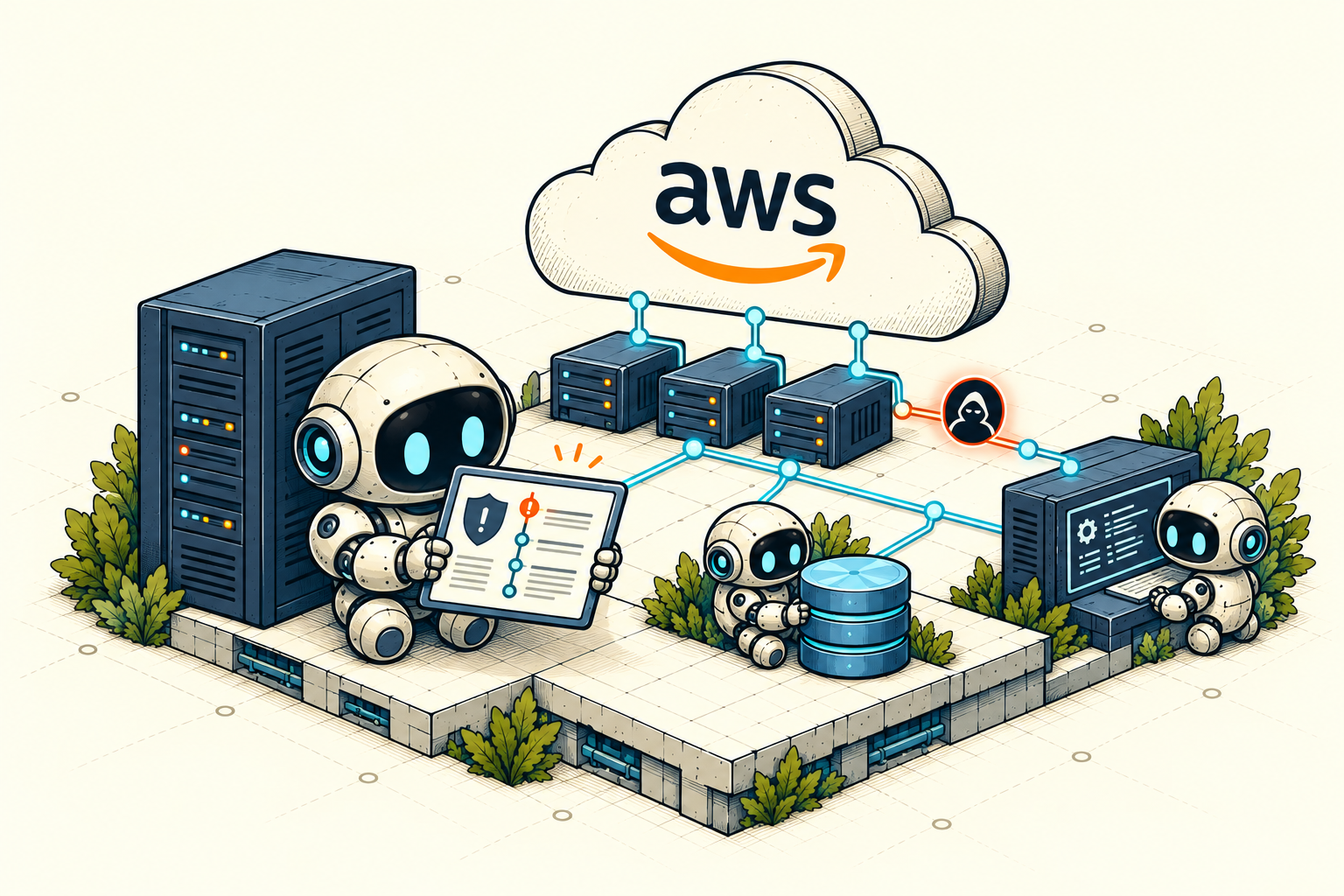
Give suspicious activity somewhere to reveal itself
A Decoy is a realistic service or resource created for detection. It might resemble a reporting database, an internal portal or another system that would interest someone exploring your network.
It has no production business purpose. That makes interactions with it useful to investigate, particularly when you can distinguish unexpected access from your own testing, monitoring and administrative activity.
Consider a reporting database inside an AWS network. Its name fits the environment. Its tables contain synthetic business records. Its connection behaves like a service someone could reasonably expect to find.
Someone discovers it, authenticates, enumerates tables and reads records.
The value is not simply that a connection occurred. It is the sequence: what was accessed, which actions were attempted and how the service responded.
A convincing Decoy gives your team an opportunity to observe behaviour before a real business resource becomes the target.
Place detection where it has a purpose
Adding Decoys to AWS should begin with your environment, rather than a list of ports.
Where would unexpected access matter most? Which workloads share a network? What could someone discover after reaching an application server or obtaining an internal foothold?
A useful first deployment has a clear purpose:
- A database Decoy near application workloads to reveal unexpected database discovery and access.
- An internal service Decoy in a development environment to surface exploration outside an application’s normal dependencies.
- A business-facing Decoy that resembles resources relevant to your organization.
Placement determines what you can observe. A Decoy cannot reveal interactions from systems that cannot reach it.
Keep that reachability intentional. AWS security groups let you control permitted traffic by protocol, port and source. For an internal deployment, allow the intended private clients or workload groups to reach the selected Decoy service rather than opening it broadly to the internet.
The goal is a credible detection point within a controlled network.
From an AWS host to recorded evidence
With Tero, your team prepares the AWS host and installs a Sensor in your network. You manage its assigned Environment and Decoys from the Tero console.
The Sensor runs the selected Decoys. Tero brings the resulting suspicious interactions and available evidence into your team’s investigation workflow.
A sensible first deployment follows a short sequence:
Prepare the host. Choose the supported EC2 configuration shown in your deployment guide and establish your administration and outbound connectivity.
Enroll the Sensor. Use the installation instructions generated for the Sensor you created in Tero.
Deploy one relevant Decoy. Start with a service that makes sense in the network you want to observe.
Verify the interaction. Use an authorized test client to connect and perform a small, controlled sequence of actions.
Review the evidence. Check that Tero records the interaction with the correct Decoy and enough context to understand what happened.
A running instance is only the beginning. The meaningful test is whether an interaction becomes useful investigation evidence.
Make the first test answer a real question
You do not need a large deployment to evaluate the approach.
Start with one Environment, one Sensor and one Decoy. Decide what behaviour you want to observe before you begin.
For a database Decoy, that could be discovery, authentication, table enumeration and a limited read of synthetic records. Then examine the resulting investigation.
Can your team understand the sequence? Is the source attribution useful? Are attempted actions distinguishable from successful ones? Can you separate your test from operational activity?
These questions tell you more than an “Online” indicator.
They also give you a practical basis for deciding where another Decoy would add value.
Add a deliberate detection point to your AWS network
Decoys complement the controls you already operate. They create another opportunity to identify suspicious access and examine the behaviour behind it.
You can begin with a focused deployment and judge the value from the evidence your own test produces.
For the host preparation, networking, Sensor installation and verification steps, follow the Tero AWS deployment guide.