
01 / Discovery
A familiar office resource.
Someone finds a file share, internal portal or database represented by a realistic Decoy in your selected environment.
Tero deploys realistic Decoys around the file shares, portals and internal services your business relies on. Spot suspicious access and give your IT team the evidence to investigate.
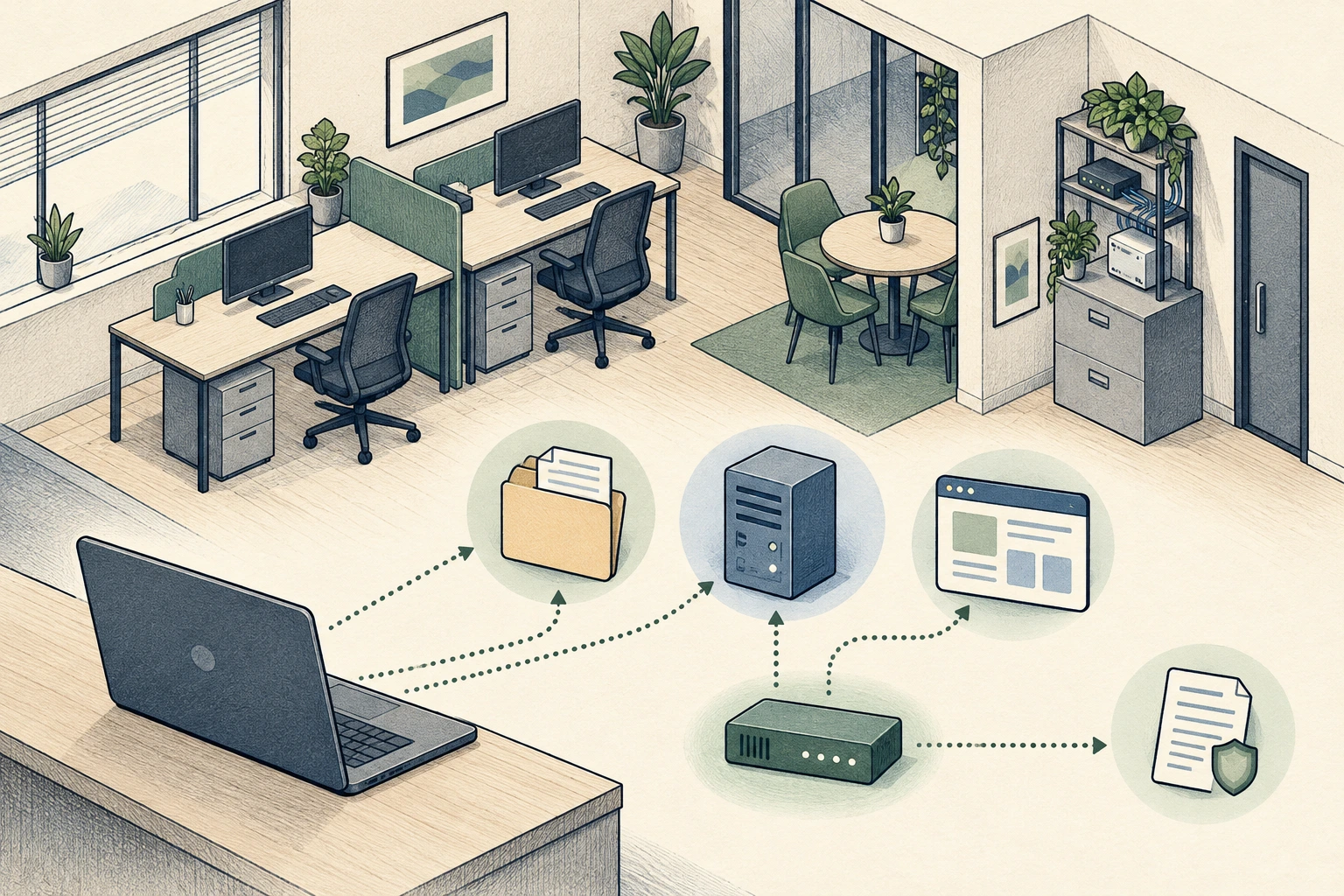
Start with a focused scope.Choose services that matter to your business.
Reveal suspicious exploration.Watch interactions with realistic Decoys.
Give your team a clear lead.Keep the request, outcome and context together.
A finance share or staff portal can look like a useful resource to an intruder. A Decoy gives your team a record of what was requested and what happened.
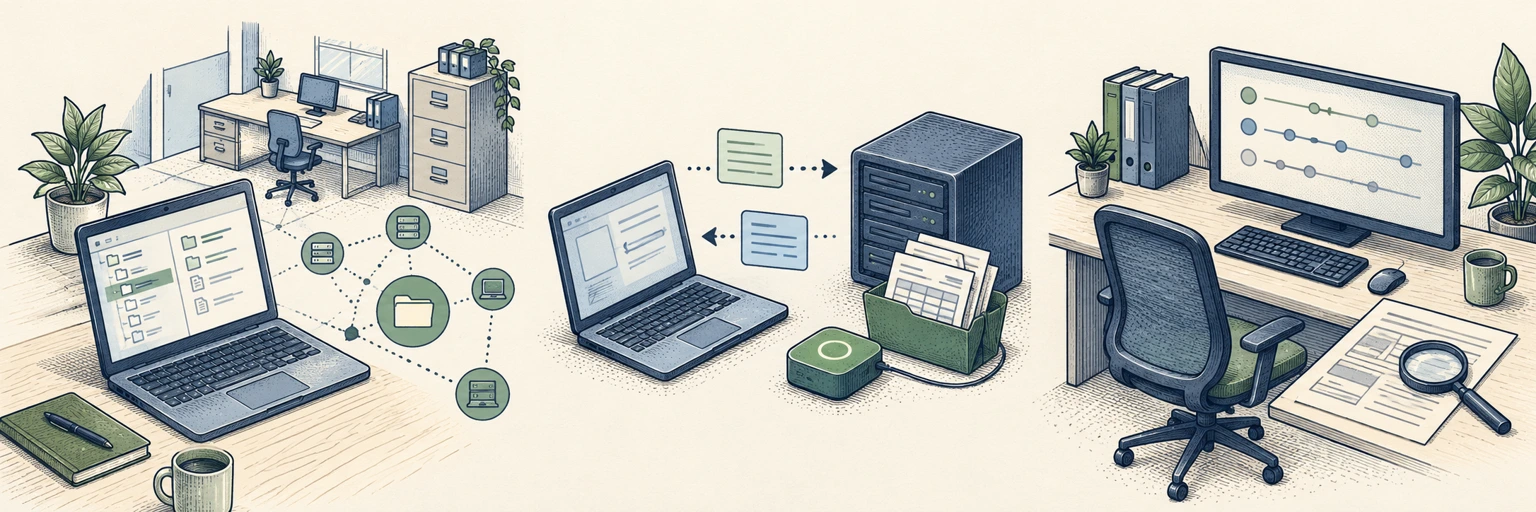
Someone finds a file share, internal portal or database represented by a realistic Decoy in your selected environment.
Synthetic content gives the resource a believable purpose. Supported operations record the interaction and observed response.
Review the observed source, affected service and sequence together, with the evidence linked to your deployment.
Start with a few relevant Decoys in an approved environment. Represent everyday business resources with synthetic content.
Represent finance folders, shared documents and internal file services. See browsing, access attempts and the outcomes supported by the selected capability.
Make staff workspaces, supplier exchanges and support portals look relevant. Follow the requests that interact with these synthetic business services.
Represent selected reporting databases and access services. Review supported authentication, discovery and operation-level evidence in one investigation.
Choose capabilities offered by your verified Sensor release. Keep Decoy content synthetic and confirm the host and network requirements before deployment.
Tero connects the recorded activity with the Decoy and environment involved. Your team can review the sequence before deciding what needs further investigation.
Recorded activity against a Decoy with synthetic business files.
Finance share accessedfinance / invoicesSynthetic invoice documentHuman identity, malware involvement and production impact remain unconfirmed.
Start with a Sensor on a supported host in the office, on-premises or supported cloud environment you want to monitor. Choose Decoy services that make sense for your business.
Agree an approved environment, host and network scope with your IT team.
Represent a file share, portal or database using synthetic business content.
Test from a separate client and confirm readiness, source attribution and investigations.
Visibility depends on which Decoys are deployed and reachable. Review separate networks and locations individually.
Choose one approved environment and a few supported Decoys that represent useful business services. Agree who reviews the activity, then verify the full evidence path with a controlled test.
No. Use synthetic records and documents in Decoys. Do not copy real invoices, employee information, customer records or production credentials into them.
Choose an office, on-premises or supported cloud deployment using a platform and verified release available to your account. Confirm the host, runtime and network requirements before installing.
Agree ownership with your IT team or approved IT partner before the pilot. Decide who receives alerts, reviews the recorded evidence and coordinates any follow-up response.
Tell us about your office and the workflows you want to monitor. We’ll help you plan a practical starting point for Tero.
Plan your deploymentStart with a defined scope. Verify the evidence.