
01 / Discovery
An internal service draws attention.
Someone explores an administrative portal, reporting database or research-support share represented by a Tero Decoy.
Tero deploys realistic Decoys around administrative and research-support networks, revealing suspicious access and capturing evidence your security team can investigate.
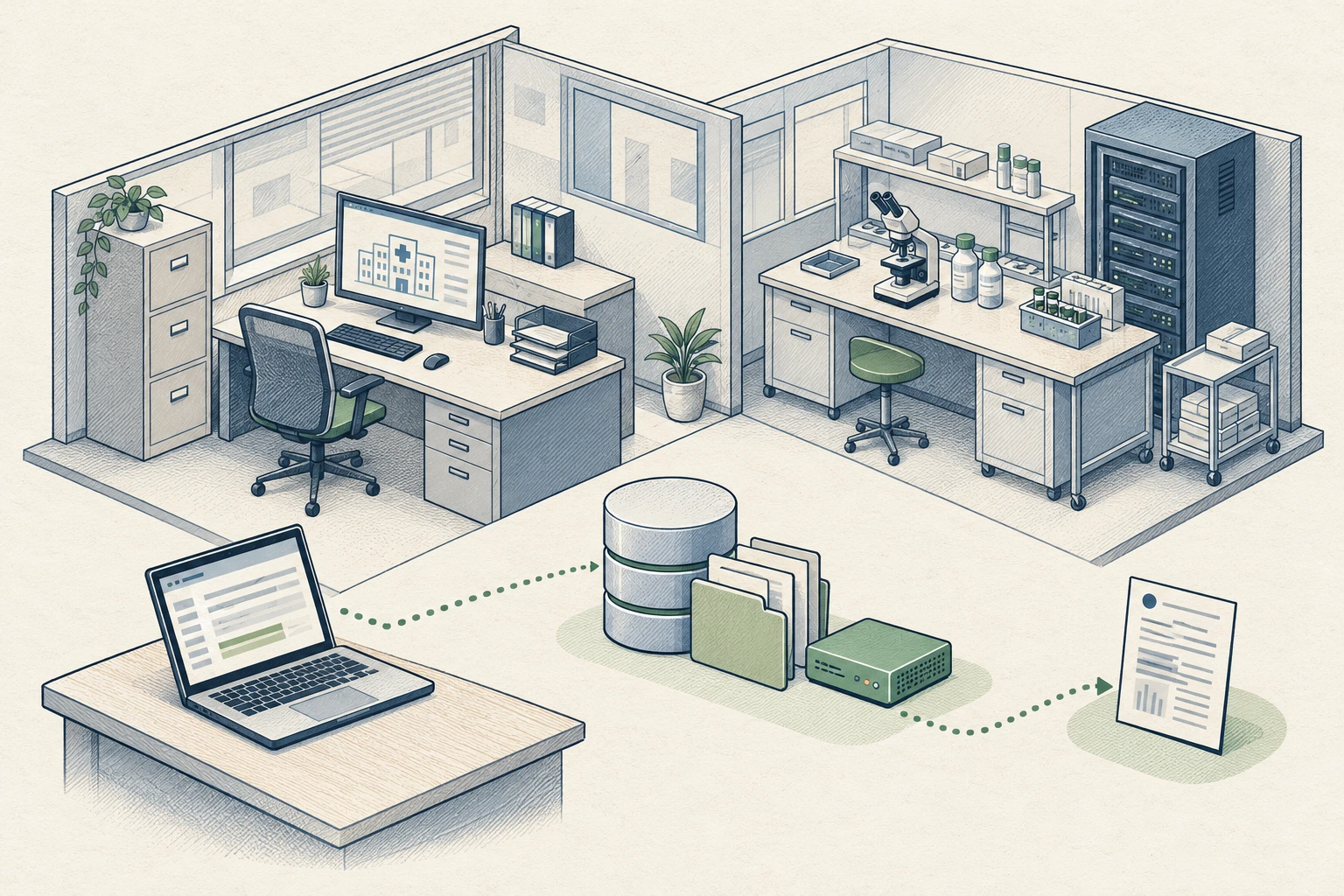
Make unwanted access visible.Watch interactions with realistic Decoys.
Keep the content synthetic.Represent workflows without real records.
Give your team the evidence.Review requests, outcomes and context.
An internal portal or document service can look ordinary to an intruder. The interaction gives your team a concrete lead to investigate.
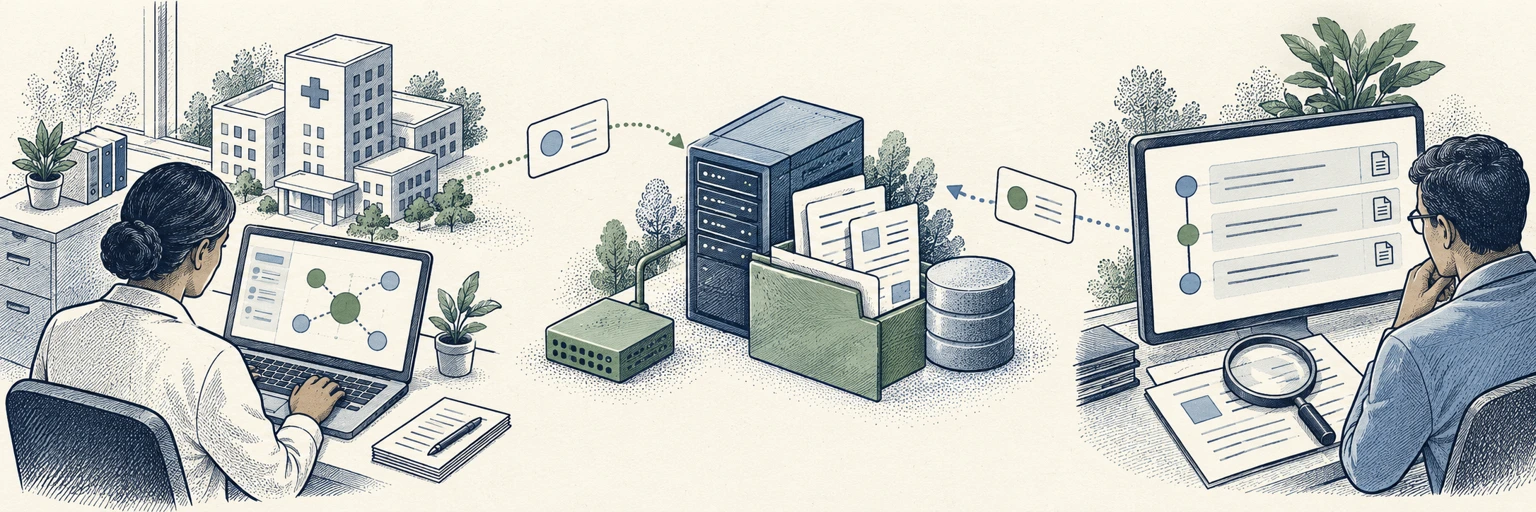
Someone explores an administrative portal, reporting database or research-support share represented by a Tero Decoy.
Synthetic content gives the interaction a believable setting. Supported operations produce a record of the request and observed response.
Review the observed source, targeted service, sequence and outcome in the context of the affected environment.
Start with the services an intruder may explore. Choose supported Decoys for approved administrative and research-support segments.
Represent staff workspaces, internal support portals and office file services. Reveal browsing and access attempts around everyday administrative workflows.
Use synthetic project documents, reporting records and engineering artifacts to represent research-support services worth a closer look.
Represent selected supplier exchanges, finance shares and internal business portals. Keep the recorded activity linked to the deployment it came from.
Select from supported capabilities in your verified Sensor release. Use synthetic content and agree the deployment scope with your infrastructure owners.
Your team needs more than a notification. Tero brings the recorded requests, observed responses and deployment context together to help assess suspicious activity.
Recorded activity against a Decoy with synthetic documents.
Document listing requestedProject overview requestedWorkspace settings changeHuman identity, data theft and production impact remain unconfirmed.
Place a Sensor on an approved, supported host in your office, on-premises or supported cloud environment. Configure private access to the Decoys for the clients you want to observe.
Select administrative or research-support segments with your infrastructure owners.
Choose supported Decoys and synthetic content that fit the environment.
Check readiness, source attribution, recorded outcomes and investigations.
Deployment is scoped to supported services. This example does not represent medical-device, clinical-system or laboratory-control monitoring.
No. Represent the selected workflows with synthetic Decoy content. Do not copy patient records, proprietary research, trial data or production credentials into Decoys.
Use an approved host in an administrative or research-support segment, after reviewing the supported release, host resources, private connectivity and network policy with the infrastructure owners.
This page describes supported administrative and research-support Decoys. It does not claim monitoring or protection of medical devices, clinical applications, laboratory instruments or control systems.
Decoy readiness, access from a separate client, observed-source attribution, recorded requests and responses, and the investigation workflow for each selected capability.
Tell us about your administrative and research-support networks. We’ll help you plan a focused detection layer around the services that matter.
Plan your deploymentStart with a defined scope. Verify the evidence.