
01 / Discovery
A service worth a closer look.
A database, file service or administrative endpoint represents the kind of infrastructure an intruder may explore.
Your infrastructure runs thousands of legitimate interactions. Tero deploys realistic Decoys that reveal suspicious access—and captures the evidence your team needs to investigate.
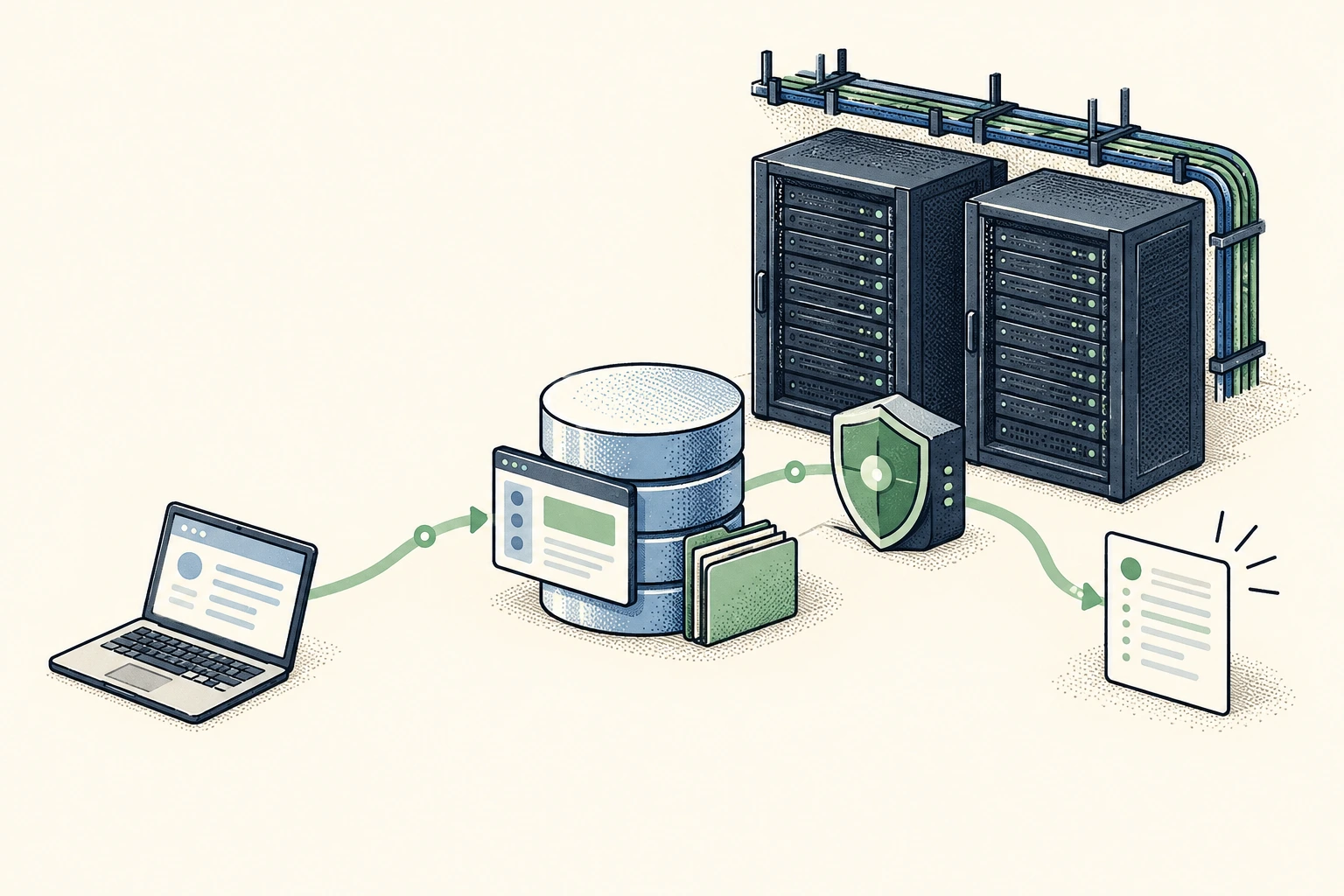
Look familiar to an intruder.Represent services worth exploring.
Record what they attempt.Keep the request and observed outcome.
Give your team a clear lead.Investigate with deployment context.
Give suspicious activity somewhere believable to go. Tero Decoys capture the interaction so your team can follow the evidence.
A database, file service or administrative endpoint represents the kind of infrastructure an intruder may explore.
The Decoy responds through its supported capability and records the interaction, including attempted operations.
Review the service, observed source, session and recorded evidence to understand what happened.
Choose relevant Decoys for approved network segments. Keep their content synthetic and their purpose specific.
Represent reporting and application databases with realistic synthetic records. Review authentication, discovery and query activity supported by the selected capability.
Make selected internal file shares and business services look relevant. Follow browsing, access attempts and the evidence those interactions produce.
Represent supported access and engineering services in a selected segment. Inspect connection attempts, discovery and measured response outcomes.
Capability availability depends on the verified Sensor release, platform, runtime and host requirements.
A connection alone doesn’t explain the activity. Tero brings the recorded operations, observed responses and deployment context together so your team can assess the interaction.
Recorded activity on a synthetic PostgreSQL service.
reporting_readerinformation_schema.tablesUPDATE reporting.invoices …Human identity and production impact remain unconfirmed.
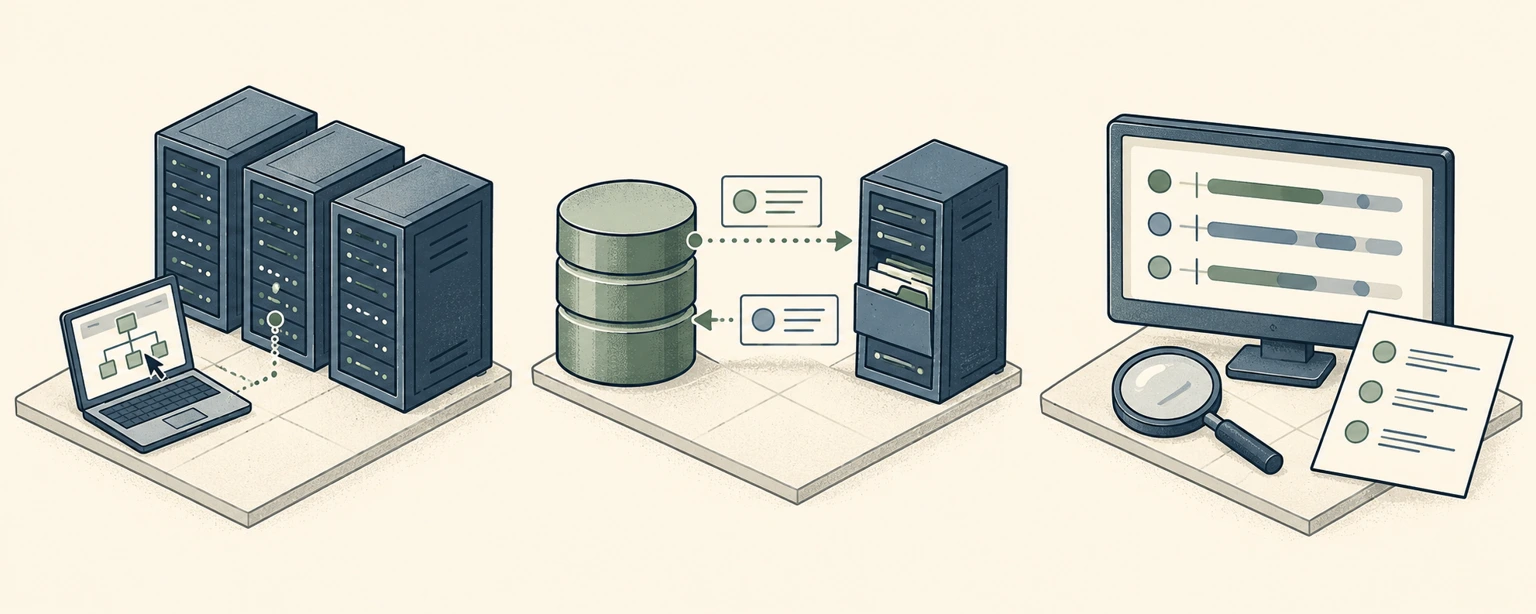
Deploy on an approved, supported host with private connectivity to the clients you want to observe. Tero deploys the selected Decoys alongside your existing workloads.
Choose an approved network segment and relevant services.
Install the Sensor, configure access and check Decoy readiness.
Confirm connectivity, source attribution and recorded evidence.
Network policy, supported capabilities and readiness are verified for each deployment. This is not an inline traffic-inspection diagram.
On an approved host in your environment, using a supported Sensor platform and release. Plan private connectivity, network access and host resources for the selected Decoy services.
This solution monitors interactions with deployed Tero Decoys. It complements your existing security controls; it does not imply visibility into every production connection.
The examples use synthetic Decoy content. Choose realistic services and business context without copying sensitive production records into the Decoy.
Sensor connectivity, Decoy readiness, separate-client access, observed-source attribution, recorded evidence and the investigation workflow for the selected capabilities.
Tell us about the services and network segments you want to monitor. We’ll help you plan a practical Tero deployment.
Plan your deploymentStart with a defined scope. Verify the evidence.